SPACEY
🏆 Honorable Mention Winner of Adobe’s Creative Jam in collaboration with NASA/JPL
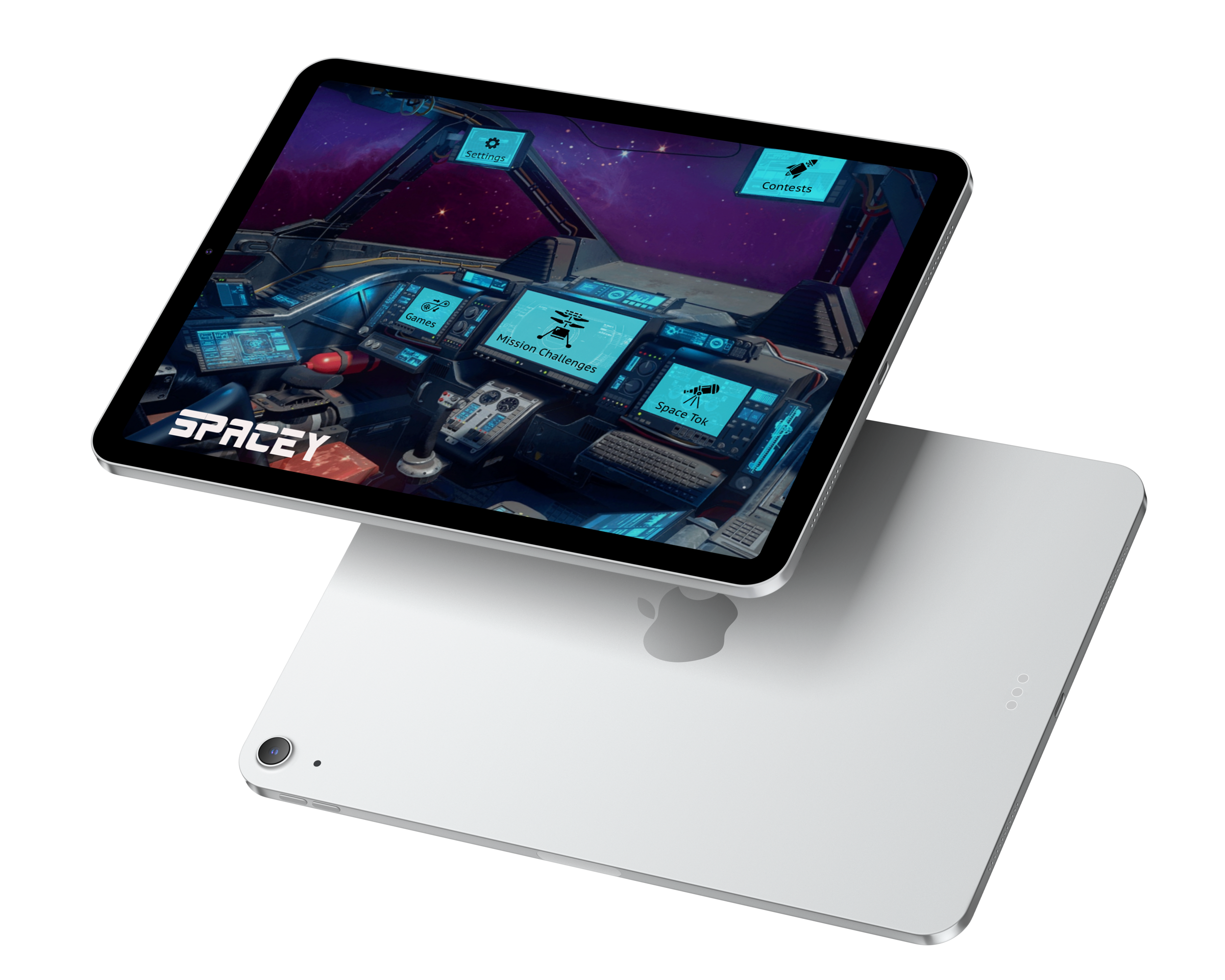
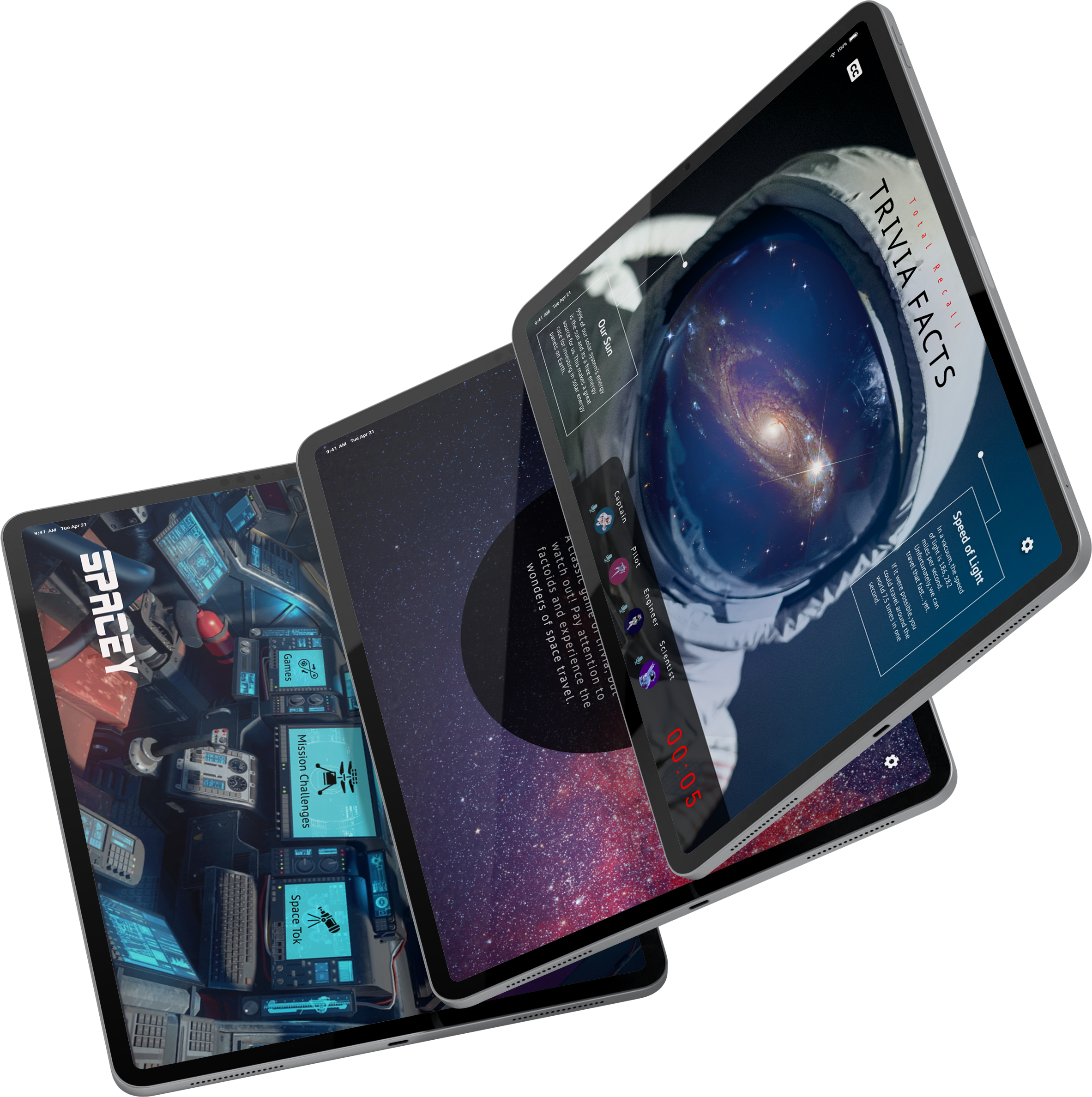
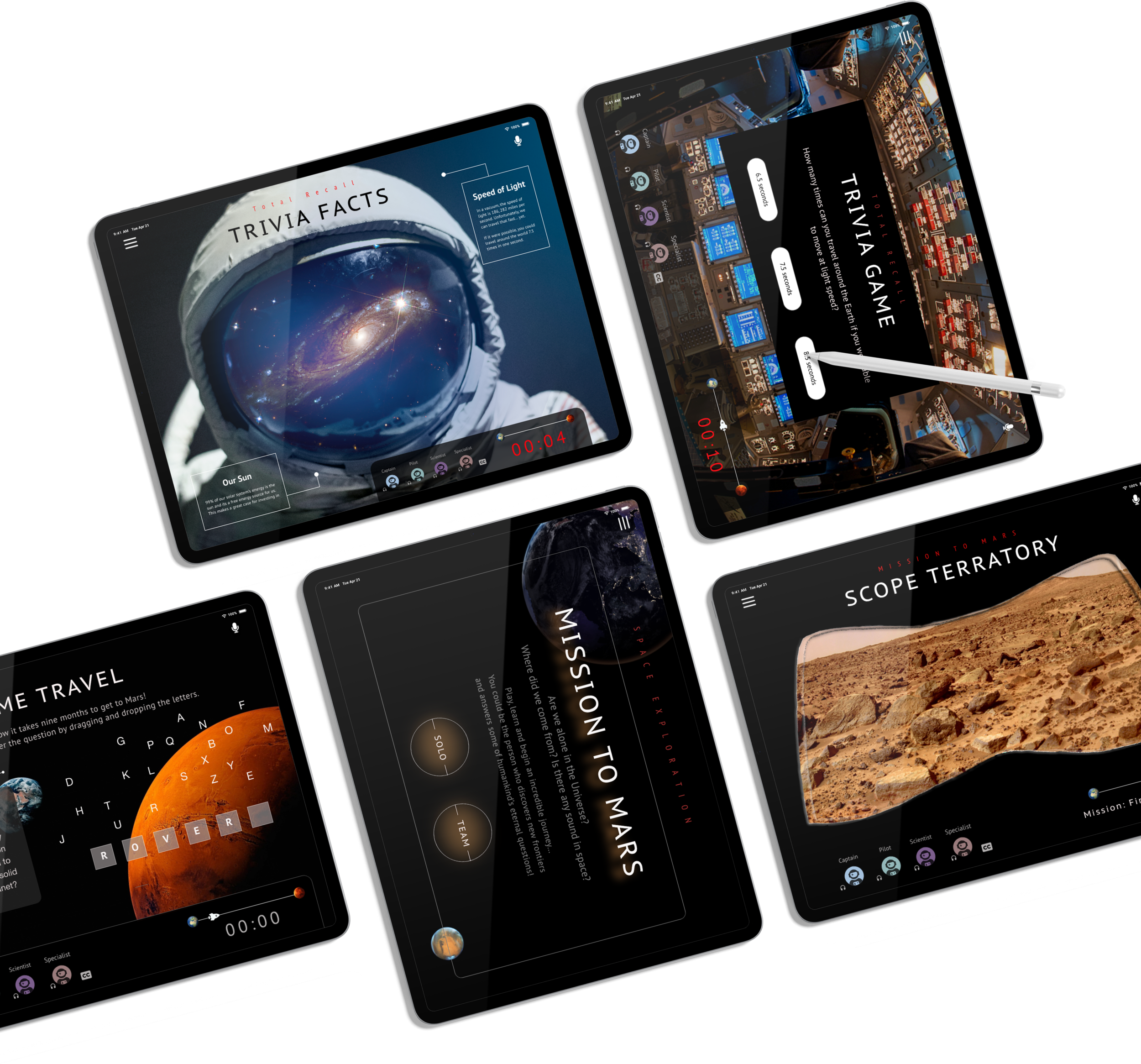
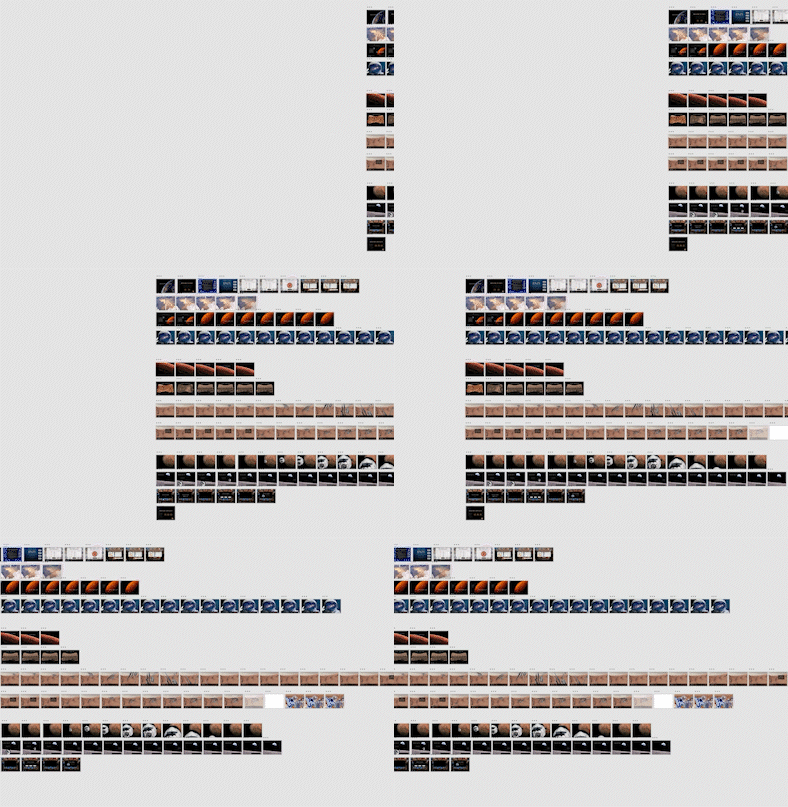
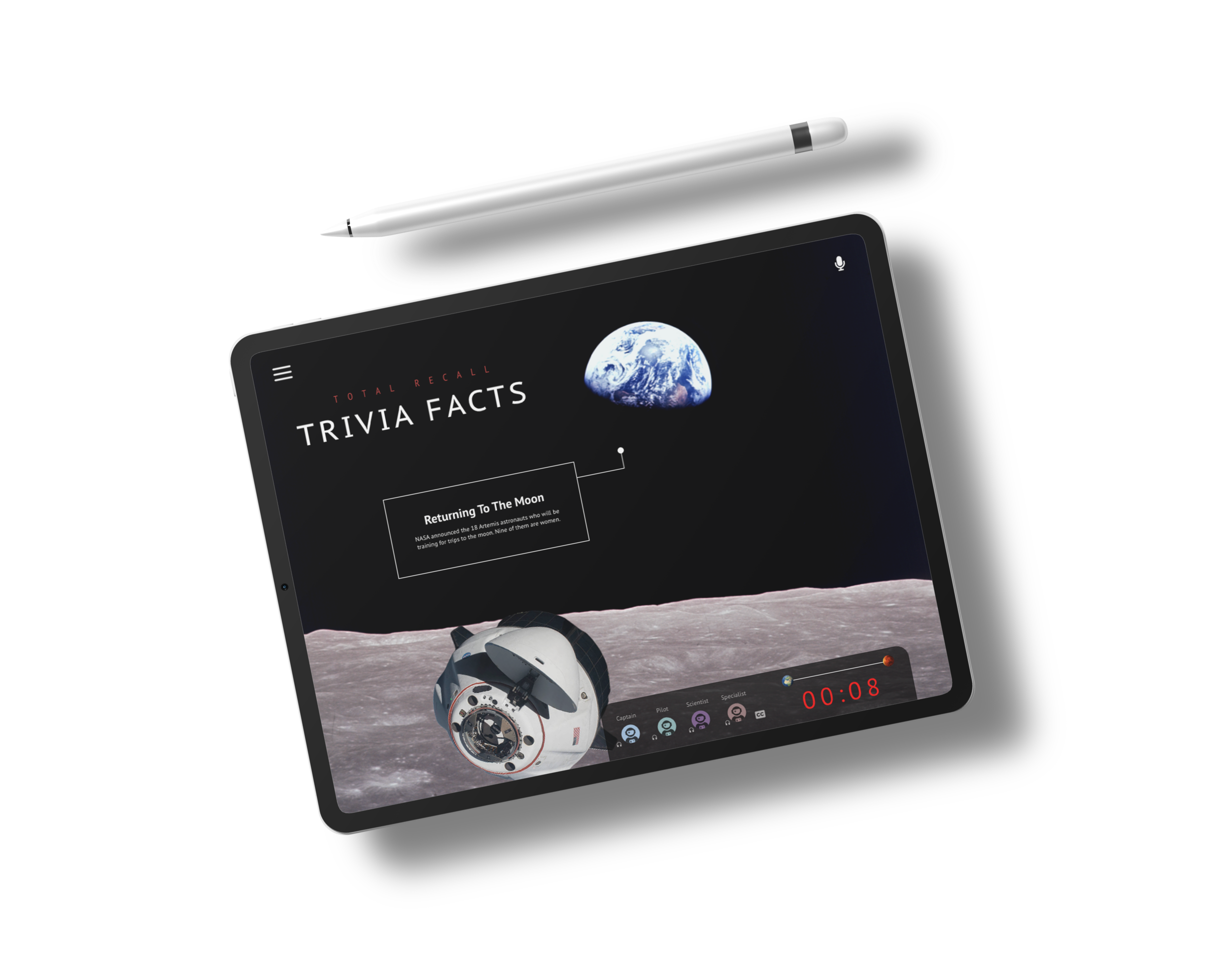
An immersive, educational NASA-inspired tablet experience designed for young people to work together, learn, and challenge their understanding of the universe.
-
183
SCREENS
-
22
UNIQUE SCENES
-
2
DESIGNERS
-
70+
HOURS
Overview
PROJECT BRIEF
Help kids learn more about space exploration by teaching about single or multiple NASA Jet Propulsion Laboratory missions. Design a third-party (not NASA JPL branded) Android tablet or Apple iPad app that provides an engaging way for kids to learn and share space stories, facts, and topics.
THE PROBLEM
A new, bright generation of kids are apathetic to the real wonder of space sciences on the whole because we have lost sight of space innovation as a way to band together as Earth citizens and strive to push the human race forward.
THE GOAL
Deliver an immersive, engaging, and educational tablet experience for kids to work together, learn, and become inspired by the concrete work NASA Jet Propulsion Laboratory missions are doing amongst the stars.
* Spacey has been revamped by myself after the Hackathon
RESPONSIBILITIES
Sam Begeman, UX/ UI Designer: UX/UI Design, Interaction Design, Usability Testing, Team Leader
Rohini Shrinidhi, UX & Graphic Designer: UX/UI Design, Graphic Design; See Profile >
TOOLS
Miro, Adobe XD, Photoshop, & Illustrator, Google Docs
TIME
May 13-20th, 2021 (team), August 24-29th, 2021 (me)

Design”hers”
Hackathon Team
Research
Day 1-3 (weekend)
Project Brief
Who: 11 to 13-year-olds (grades 6 to 8),
When: Modern covid times
Where: Tablet
What: App experience with at least 10 screens that may include gaming, gallery, education, or any combination of functions that you feel would help them learn more about the latest science, robotics, & spacecraft.
Why: Space is a subject that engages children and encourages them to ask questions about the world around them. Through learning about our Solar System, children can apply and build on concepts they have already learned and develop an understanding of the vast world beyond our planet.
Background & Context
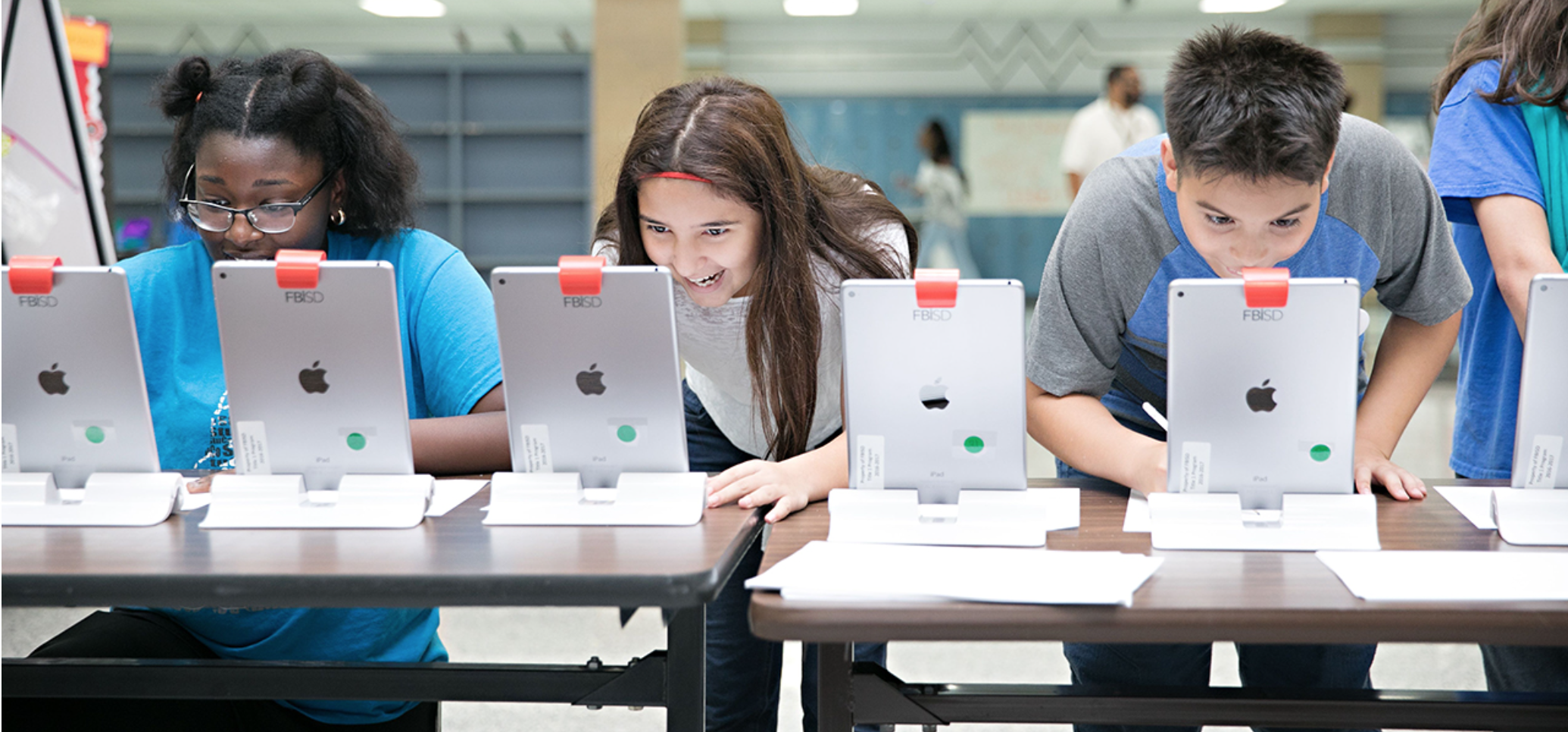
The world was hit with a global pandemic. Life as we know it has changed. We are social distancing and coping with the seriousness of the situation. For school-aged kids, this means classrooms have moved online or are restricted for in-person education. This is a lot of change at such a formative age. Fortunately, we live in a time where technology can bring us together in new ways and vaccine distribution is underway.
As noted by Creative Jam’s Guest Speaker, Space exploration had its “hay day” in the 1960s when astronauts were real-life superheroes to the world. Over time, we lost our emotional & inspirational connection to human innovation in space & on our planet. There’s hope, though, as this generation substantially cares about Earth & the climate crisis.
Understanding our users
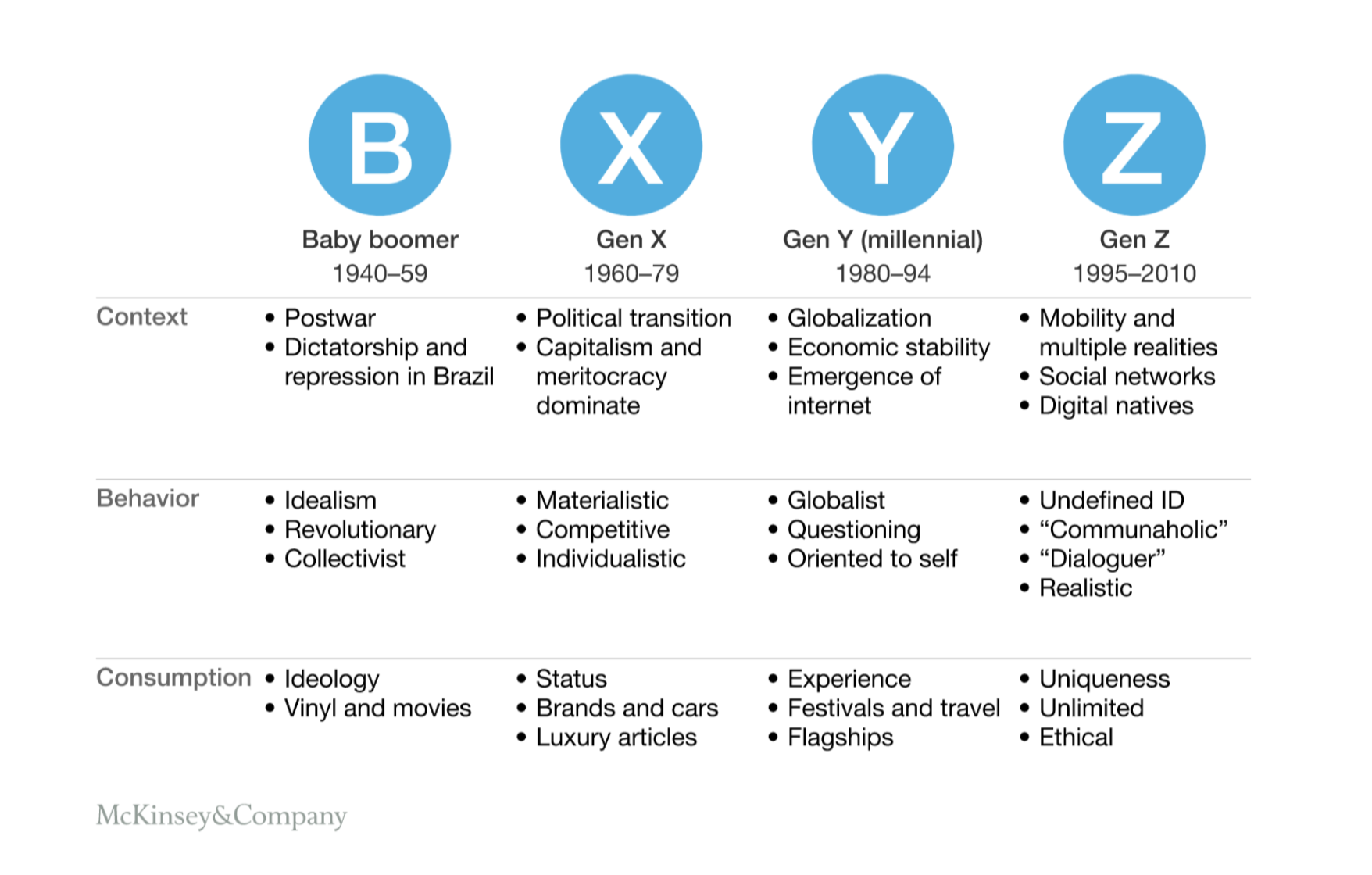
The Gen Z Pew Research Report notes:
Digital natives & online social lives
Most ethnically diverse & educated
Care about social causes & inequality
Growing up in anxious times (ie. climate change, post 9/11 & recession, pandemic)
Uncertain about the future
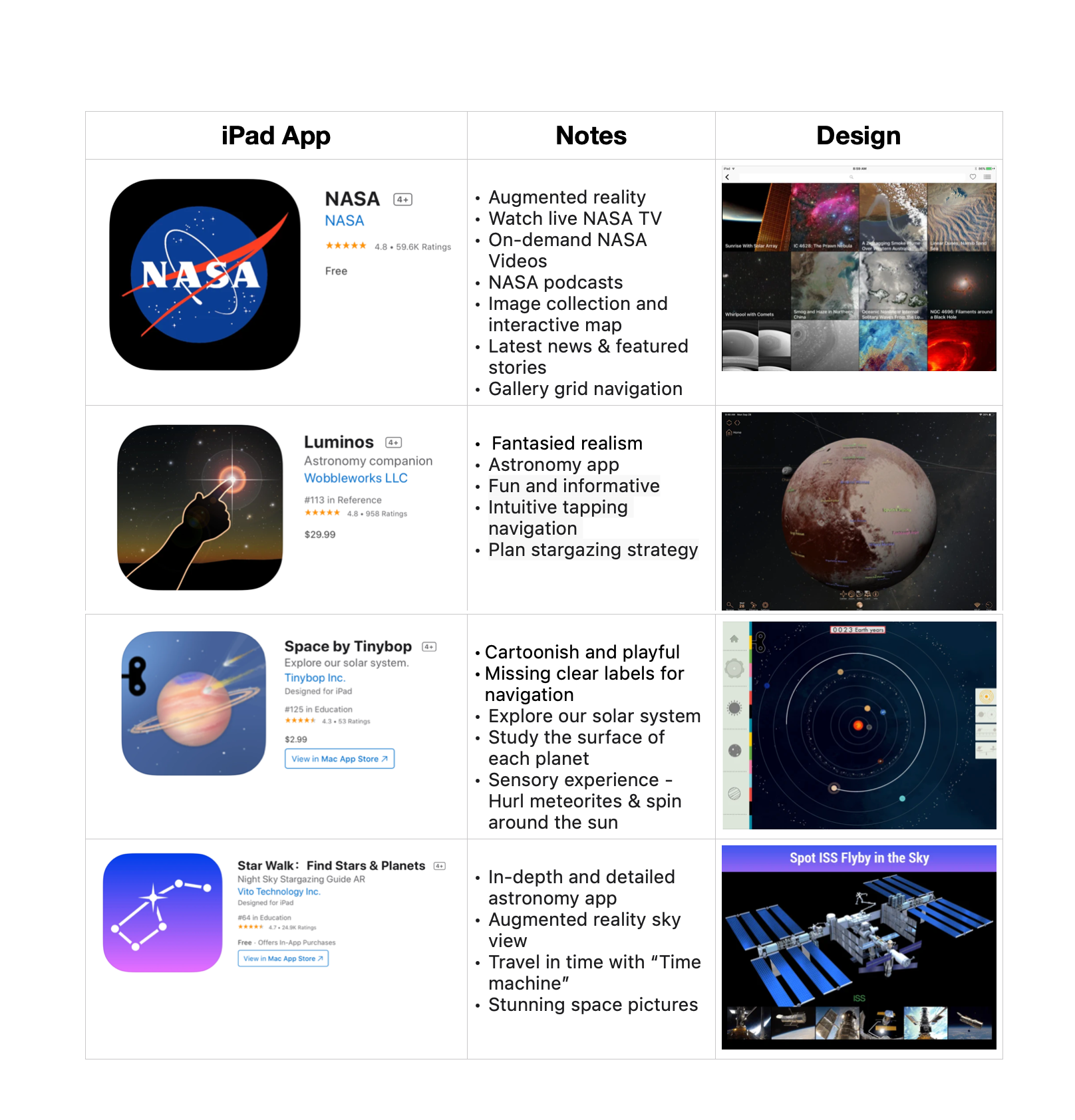
Competitive analysis
Takeaways
Direction & insights
Our designs should be visually captivating and activities should spark interest in space content for a modern generation.
Treat our users like the competent digital learners they are - not little kids.
Competitor success - use rich multimedia to create experiences.
Next steps
Brainstorming a user flows & story arch for wireframes. Sorting onboarding, mission briefing, group activities, & general navigation. Creating wireframes, animations & prototype for submission deadline.
DESIGN
Day 4-8
Pitching a vision
In our team’s first meeting, I pitched how cinematic visuals and animations, a mature but PG style, and eye-popping color scheme will keep young people engaged in the content we wish for them to learn. I imagined an app that felt like a Disney World attraction jumping off your screen. Like a mission out of a movie, kids would move through a visual journey via a space mission.
My design partner and I both felt group engagement was important based on the project brief research to create connection and competition alike. She imagined her daughter and friends on their iPads but in a virtual space birthday party with party games. We bridged the ideas into one concept during our initial meetings.
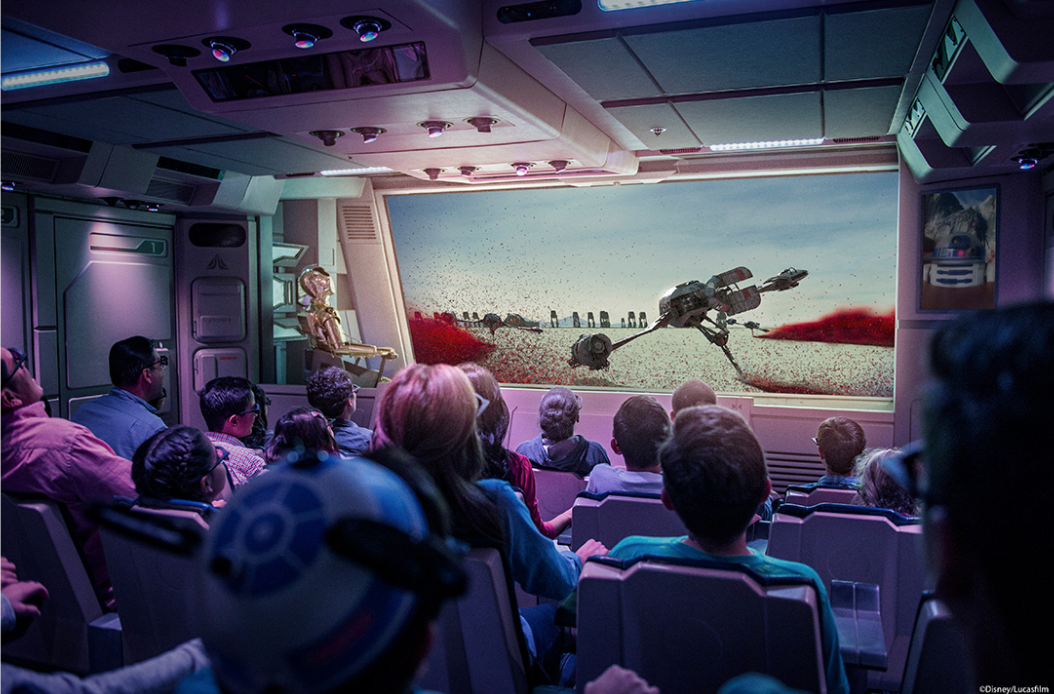
Disney’s Hollywood Studios Star Tours
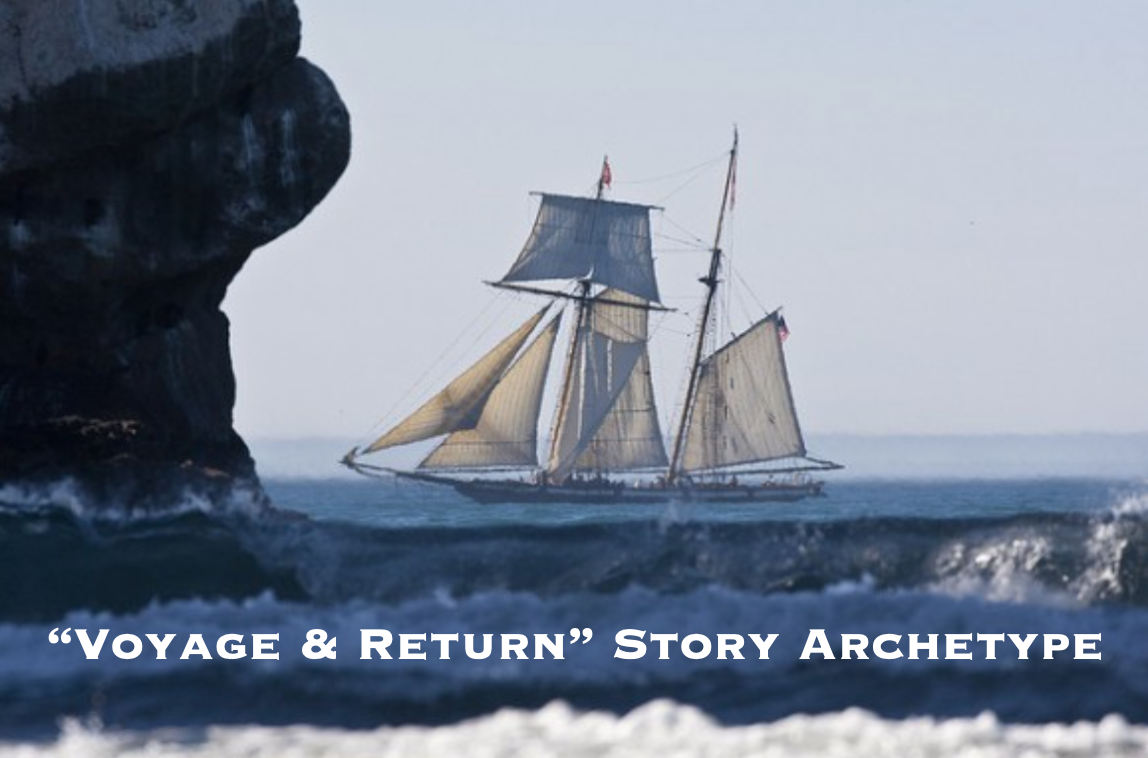
Classic Story Archetype Inspiration For Project
Storyboarding Pitch
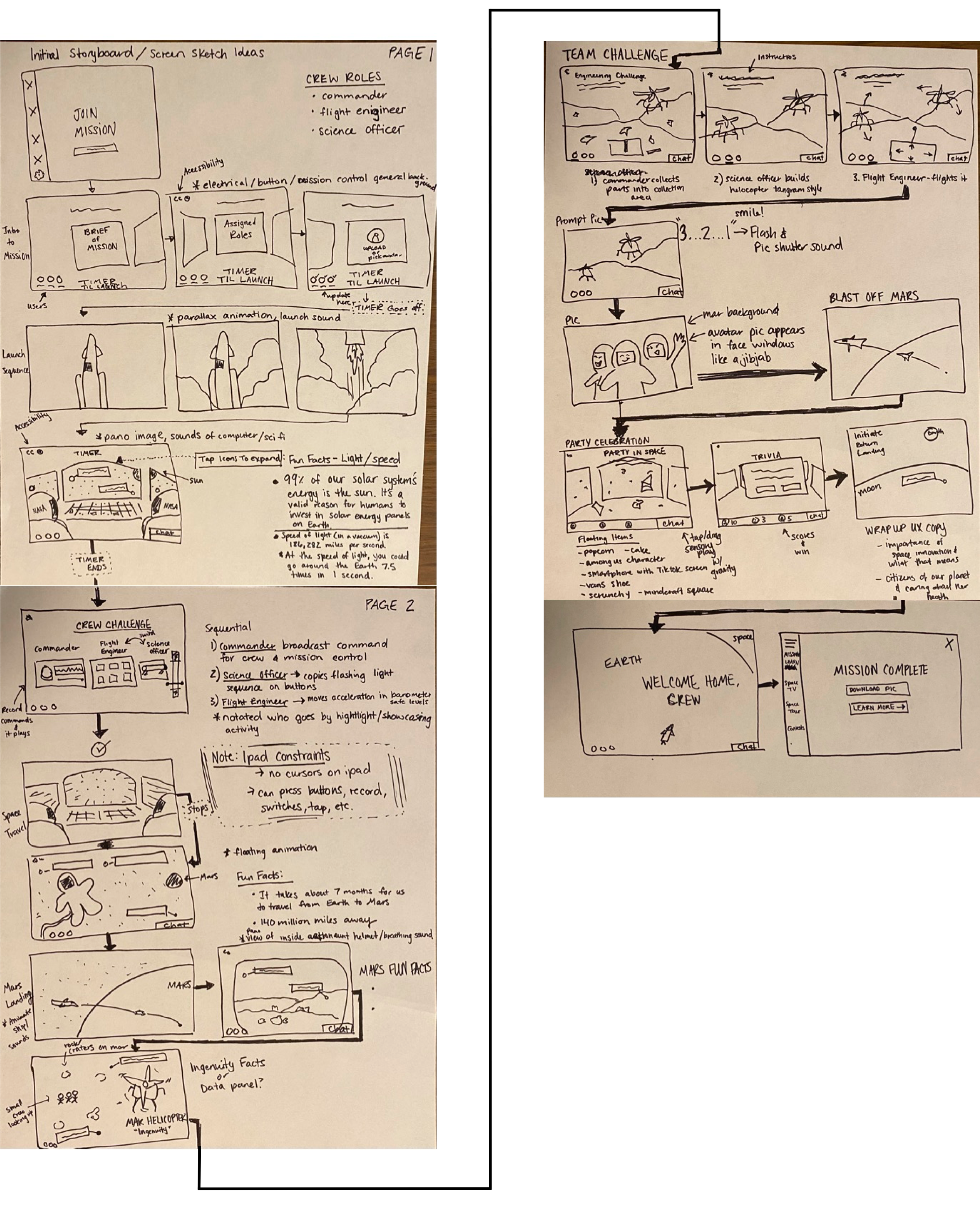
Collaboration & ideation
Using Miro, we synced & infused 2 timelines- “Voyage & Return” story arc & gameplay journey.
Concept art & mood board
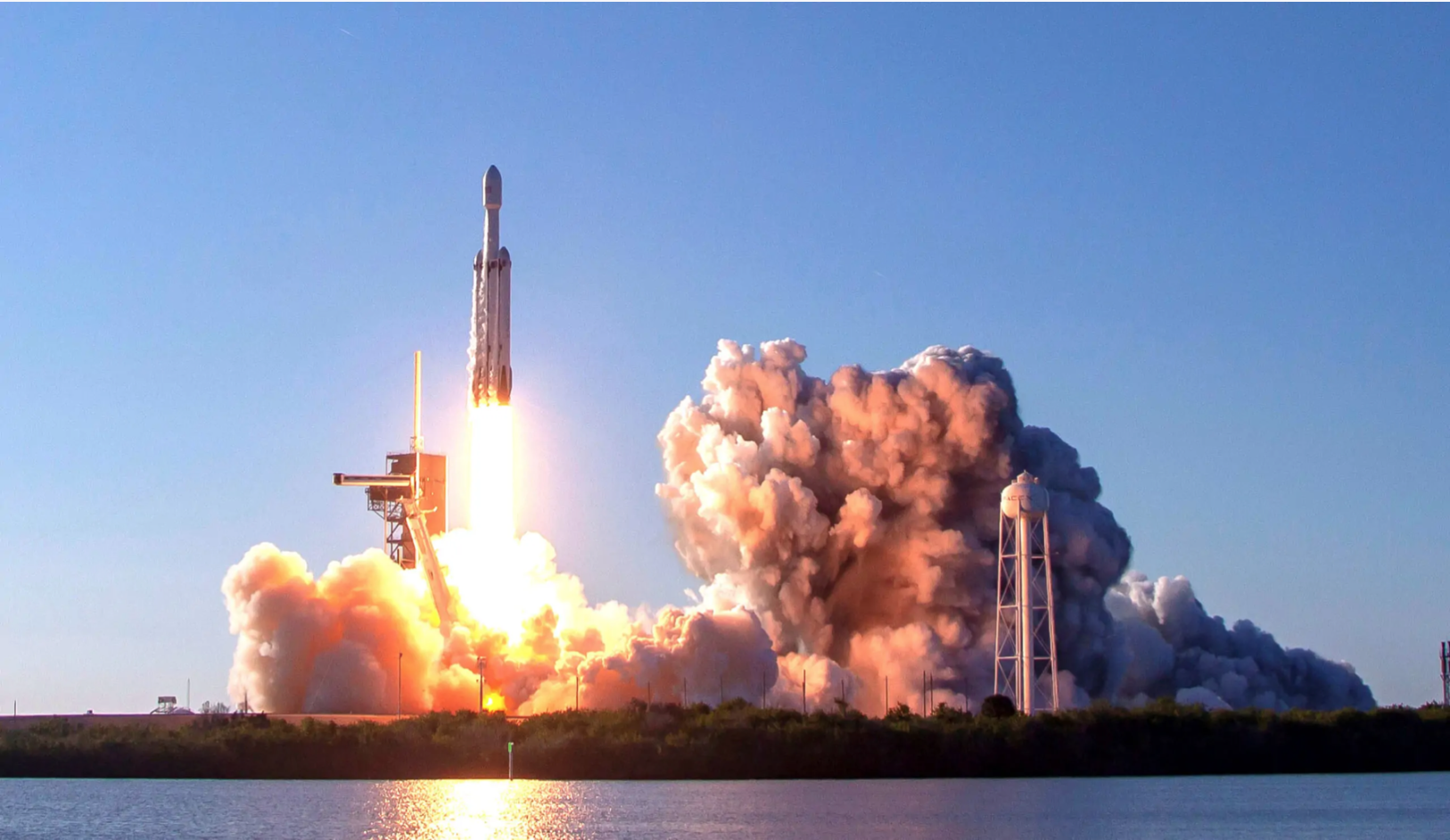
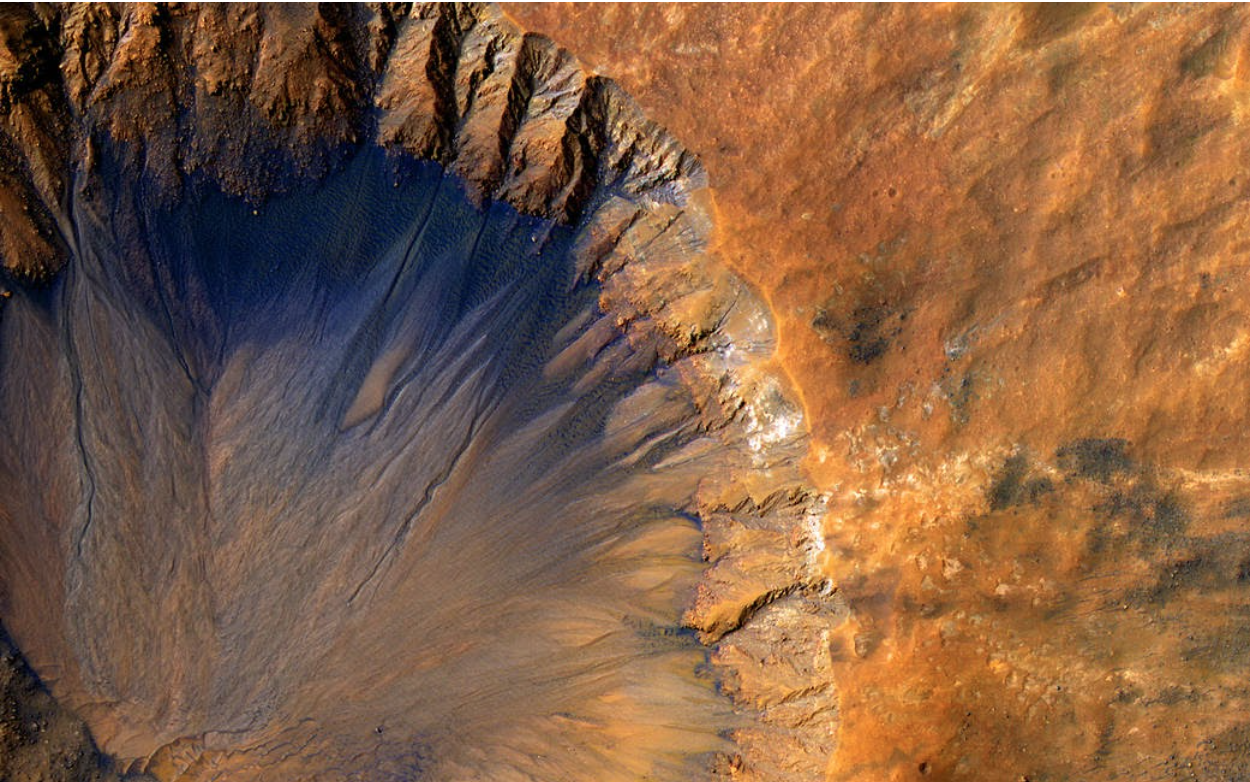
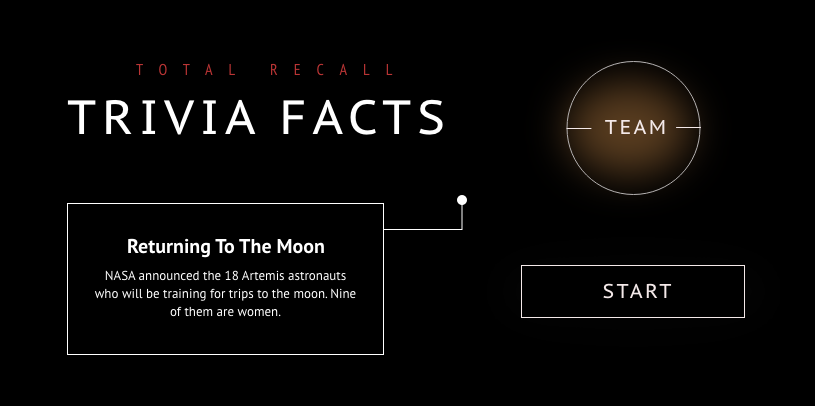
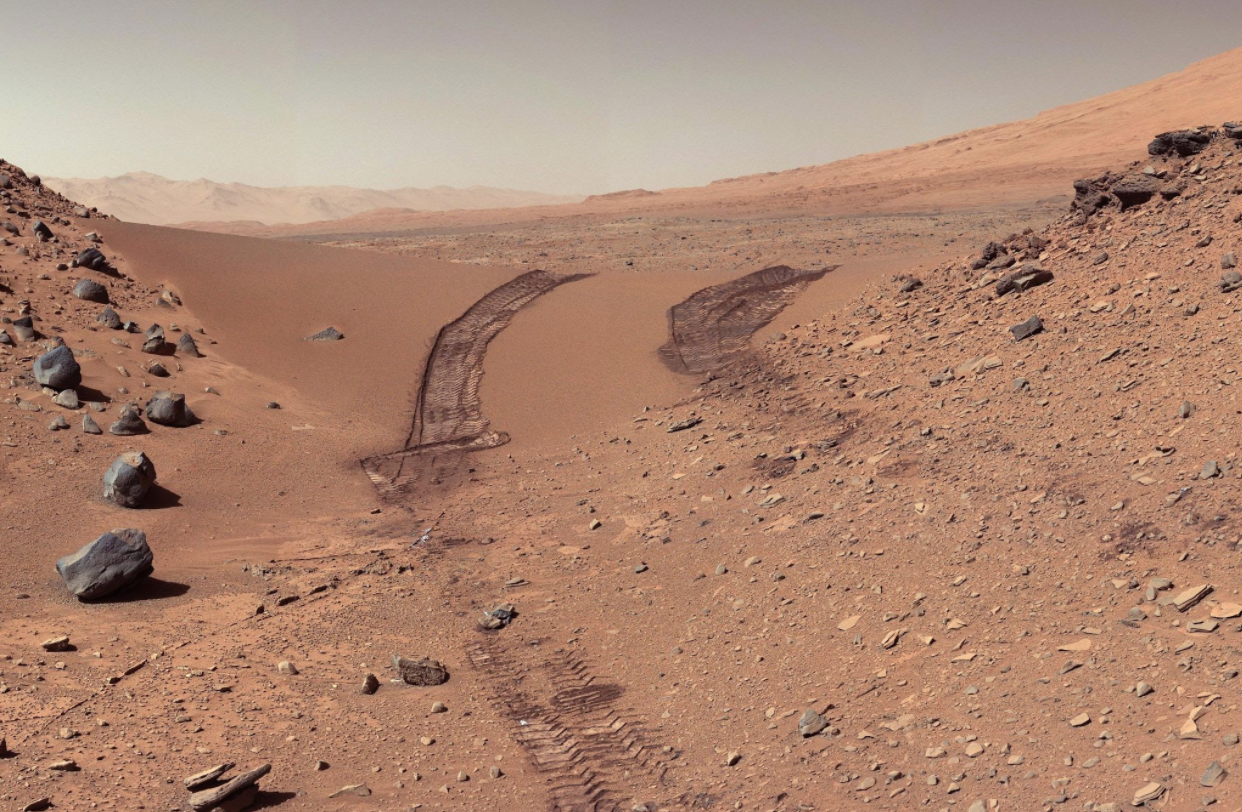
Sketches
With Miro, we sliced & rearranged our low-fidelity sketches into a working user flow for a mission. Several screens hit the cutting room floor like the party & activity ideas. Due to limited time, we decided to develop only one mission from start to finish to give a sense of our app. From here, we divided the work appropriately & reconvened.
Mid fidelity wireframes
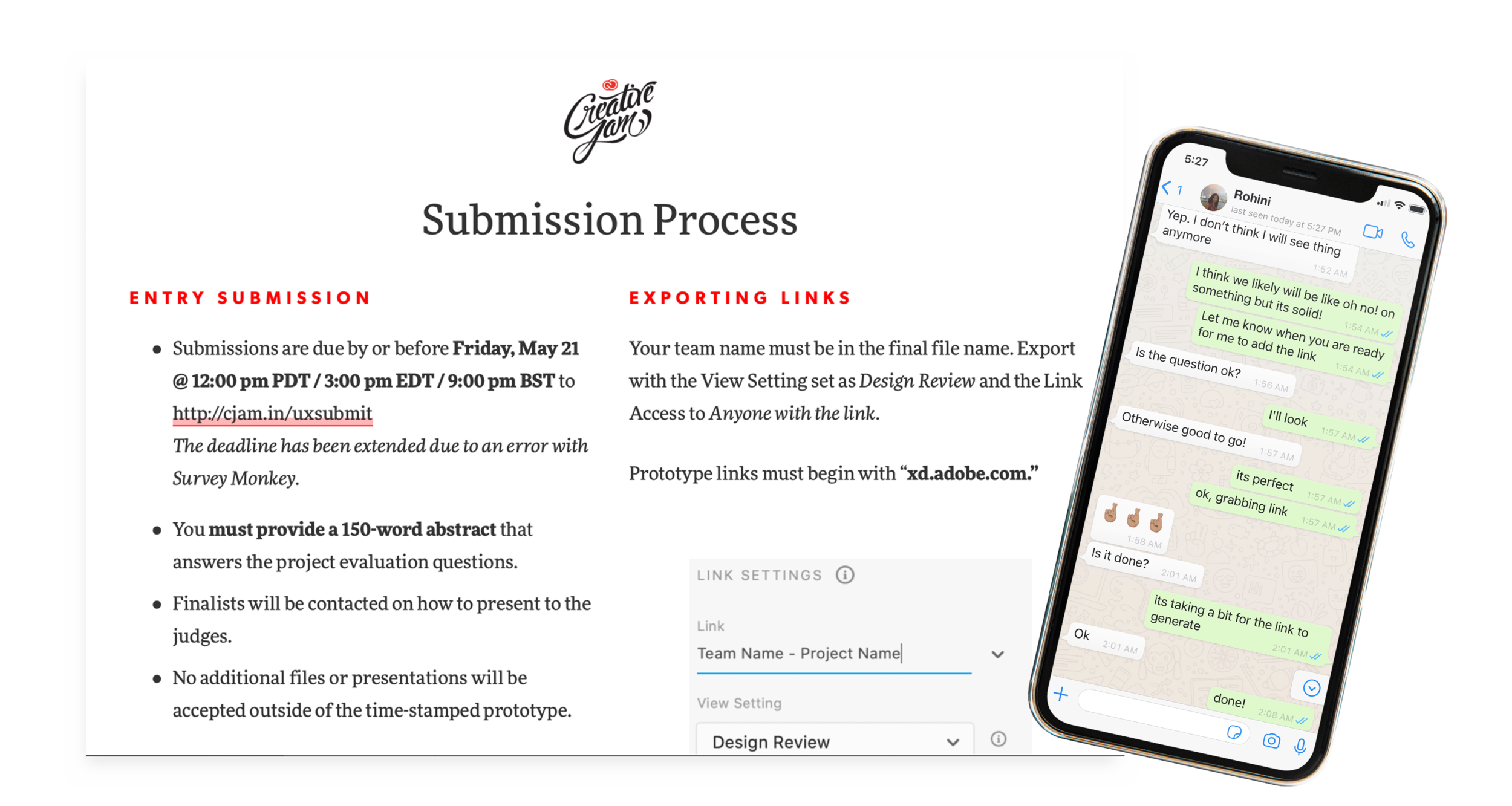
With time ticking, we designed on the fly, communicating via WhatsApp. Miro tools, and Google Docs. Early on, we recognized we both had different UI styles from each other, but this meant we had an opportunity to be a good teammates and work toward design cohesion. Rohini did a fantastic job creating components such as the target button, headline styles, and her background image options. We came to make something we could be proud of.
DELIVER
Day 8-9
Animations
Creative Jam Live Briefing event centered on experimenting with animations. As we team, we decided I owned the animations for this project. I’m incredibly proud of the new skills I learned after completing this project.
UI Design Standards
Down to the wire, we tweaked, negotiated as a team, and played with UI-style integration until we hit the deadline. It was crunch time!
We submit!
Takeaways
Interaction design & game play
I’ve mainly designed mobile apps in my design history so taking on an interactive iPad experience where I had little animation skills was an opportunity and exciting challenge to push myself forward as a designer. I discovered how much to love this area of design and how proud I am of the final product.
Time management
Time is ticking on a hack-a-thon! This was a big undertaking with a new partner on a flexible schedule balancing other projects. Next time, I would suggest we define and commit to a product quicker and move on to creating so we’d have more time for testing and refinements.
Team dynamics
I love working with a partner. We found each other over Slack & took a chance on working together. Rohini said she was inexperienced working with another designer, and it was a privilege to provide partnership to a new designer. We addressed how to set up a proper collaborative working environment to share efficiently, made space for creative learning and experimentation, and team tools on Adobe Creative Cloud. Thank you for all your hard work, Rohini!